
Local AI narration
Use downloadable neural voice options powered on the device, with availability determined by the selected model and book language.
Download a compatible AI voice once, then let EpubTidy narrate your DRM-free EPUB directly on the iPhone. Keep listening on flights, underground commutes, quiet trails, and anywhere a connection is unavailable.
After a voice model is downloaded, EpubTidy processes the book locally. Your EPUB does not need to be uploaded passage by passage to a remote text-to-speech service during playback.
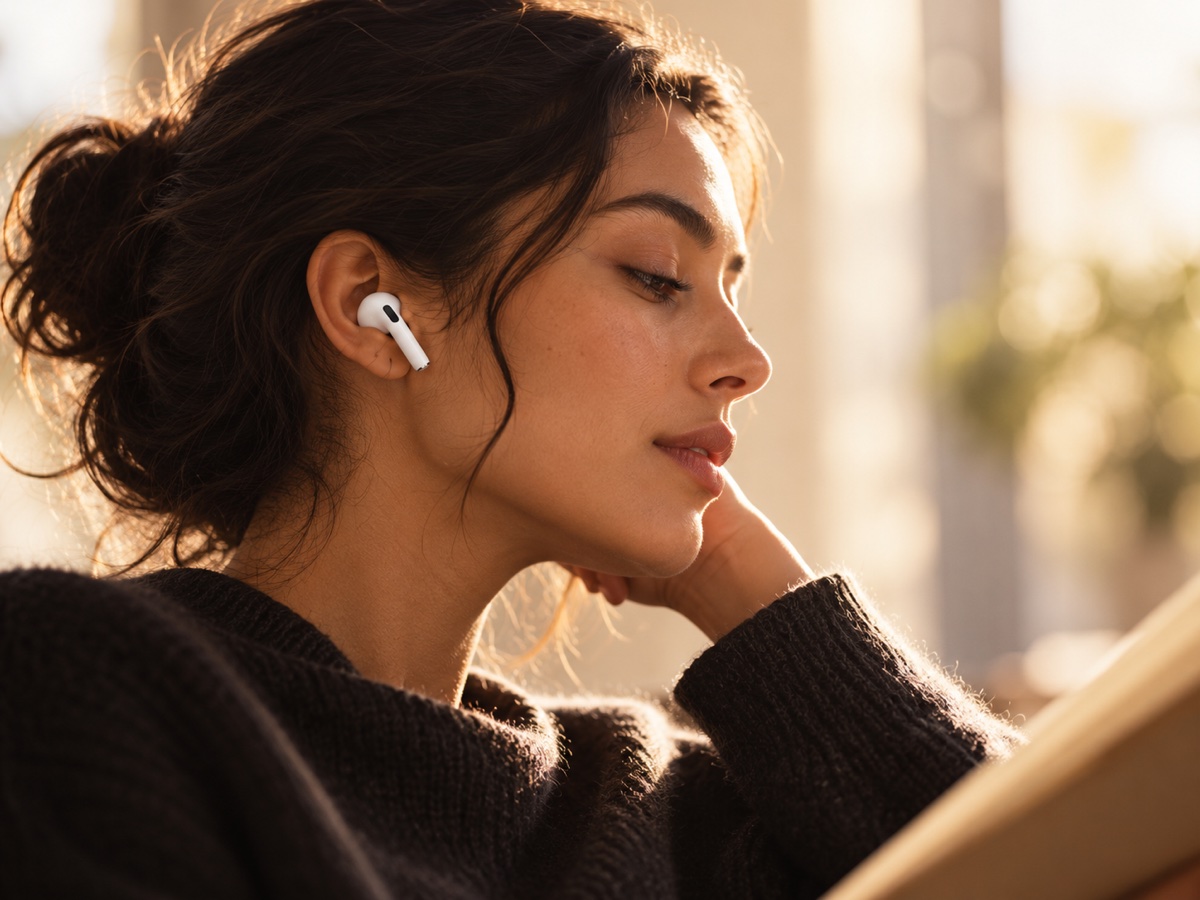
Use downloadable neural voice options powered on the device, with availability determined by the selected model and book language.
Prepare the book and voice before a trip, test them in Airplane Mode, and continue without a live TTS connection.
The narration workflow operates on the imported EPUB inside the device rather than requiring a continuous document upload.
Read visually when you can focus on the screen, then use Read Aloud when walking, commuting, doing chores, or resting.
Work with chapters, navigation, reflowable text, metadata, and the publication itself—not only copied paragraphs.
Correct a title, replace a cover, clean formatting, organize the library, and export the same EPUB you listen to.
Choose a DRM-free, text-based EPUB from Files and confirm that its chapters and text render correctly.
Select a compatible local voice, play a paragraph, and verify it again after enabling Airplane Mode.
Start from the chapter you want and use hands-free playback without depending on Wi-Fi or cellular coverage.
A step-by-step iPhone setup for importing a book, choosing a voice, and starting playback.
Read guide →How local synthesis works, what must be downloaded, and how to prepare for a trip.
Read guide →Compare a broad document reader with an EPUB-focused reader, editor, and local narration workflow.
Read guide →Prepare once while connected, then keep your personal EPUB library available for reading and listening wherever the day takes you.