
How to Read an EPUB Aloud on iPhone with Offline AI Voices
Import a DRM-free EPUB, download a compatible voice once, and move between visual reading and hands-free listening without uploading the book.
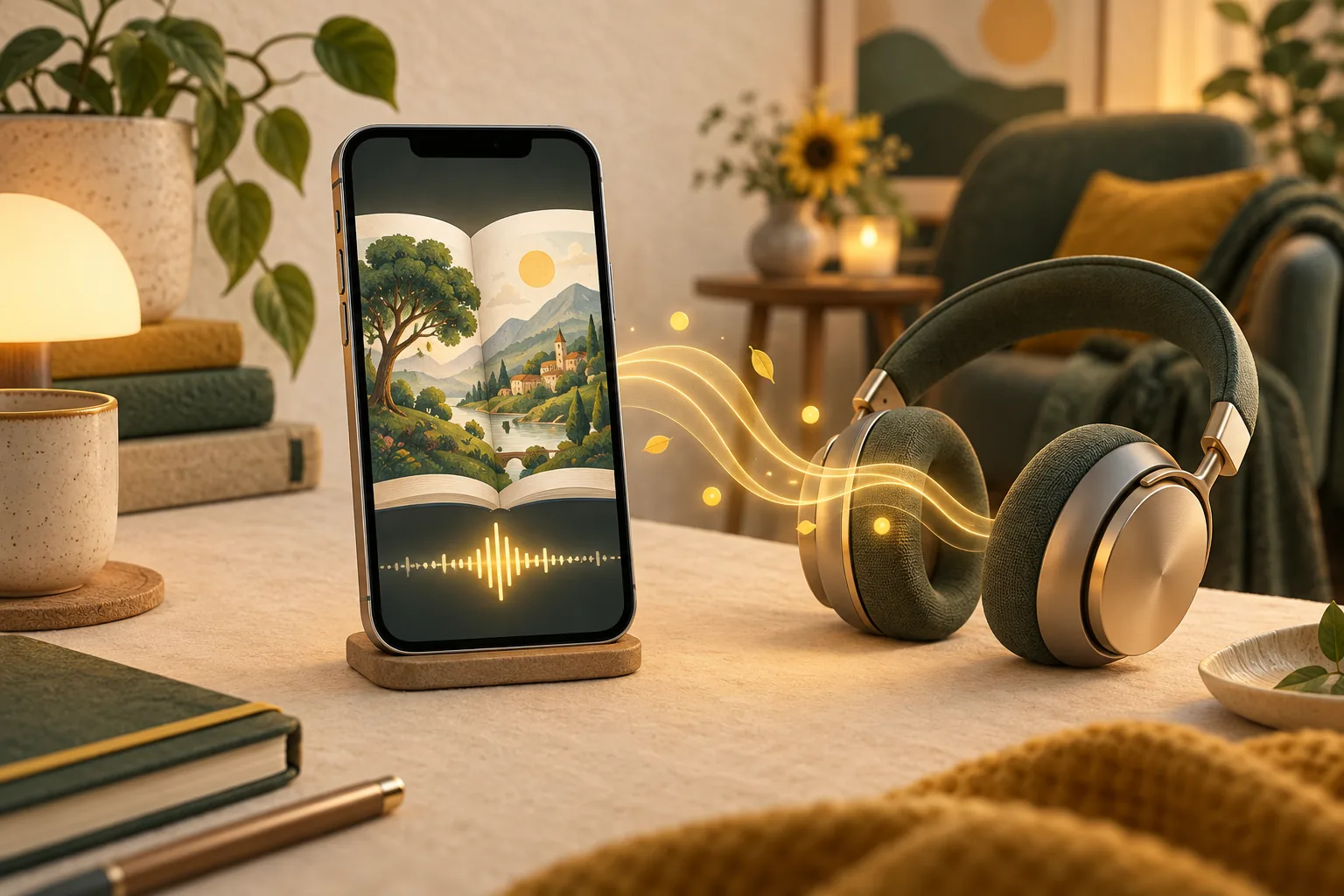
To read an EPUB aloud on iPhone, import a DRM-free EPUB into a reader with text-to-speech, choose and download a supported voice, then start playback from the book. EpubTidy performs narration on the device after the voice model is downloaded, so the book can continue playing without Wi-Fi or cellular service.
Essential Facts & Reader Takeaways
- ✓Use a text-based, DRM-free EPUB; scanned-image books do not contain ordinary text for narration.
- ✓Download the selected voice model before a flight, commute, or trip without reliable internet.
- ✓On-device processing keeps the book file and narration workflow on the iPhone.
- ✓Visual reading settings and read-aloud controls live alongside EPUB editing and repair tools.
- ✓Voice and language availability varies by model, device compatibility, and the language of the book.
What You Need Before You Press Play
Prepare the book and voice while you have a connection
Start with a DRM-free EPUB that contains selectable text. An EPUB made entirely from scanned page images needs optical character recognition before a text-to-speech engine can narrate it. Books protected by store DRM may also be restricted to the application that sold them.
Import the book into EpubTidy and download a voice compatible with the language you want to hear. Voice models are optional downloads, so prepare them before entering Airplane Mode or traveling beyond reliable coverage.
Read or Listen Without Splitting Your Library
One EPUB, two ways to continue
Open the book in the reader when you want typography, themes, margins, and visual navigation. Switch to Read Aloud when your hands or eyes are occupied. This is useful during walking, commuting, chores, or rest periods where holding the phone is inconvenient.
Because EpubTidy is also an EPUB editor, a distracting book does not need to remain broken. You can correct its title or cover, clean restrictive formatting, review the result, and return to reading or narration from the same local library.
Why On-Device Narration Matters
Availability and privacy without a live upload
On-device synthesis does not need to send every passage to a remote speech service while you listen. Once the required model is present, narration can continue in locations where cloud-dependent features are unavailable.
Local processing is particularly relevant for personal manuscripts, research material, and books that a reader does not want to upload to a third-party document service. As with any long playback session, actual battery use depends on the device, model, voice, screen state, and listening duration.
EpubTidy vs. Cloud-first document reader
| Feature / Capability | EpubTidy (iOS) | Cloud-first document reader |
|---|---|---|
| EPUB narration after setup | ✓ Runs locally with a downloaded voice | May depend on a cloud voice or pre-generated audio |
| EPUB repair and metadata | ✓ Built into the same app | Usually focused on playback |
| Broad document formats | ✓ Focused on DRM-free EPUB | May support PDF, web pages, scans, and office files |
| Book privacy | ✓ Book processing stays on device | Depends on the provider and selected voice |
Frequently Asked Questions About This Topic
Can an iPhone read an EPUB out loud?▼
Yes. Import a DRM-free, text-based EPUB into a compatible read-aloud app, select a voice, and begin playback from the book.
Does EpubTidy read EPUB books aloud without internet?▼
After you download a supported voice model, narration runs on the device and can work without a live Wi-Fi or cellular connection.
Can it read a scanned EPUB made from images?▼
Not as ordinary text unless the publication also contains a usable text layer. Image-only scans generally require OCR first.
Related Guides & Topics
Ready to Upgrade Your E-Reading Freedom?
Download EpubTidy for iPhone & iPad. 100% offline neural AI voices, mobile EPUB editing, and zero subscriptions.