Does EPUB Work on Kindle? How Send to Kindle Converts Your Book
Kindle devices do not open EPUB files directly, but Amazon accepts DRM-free EPUBs through Send to Kindle and converts them for your library.
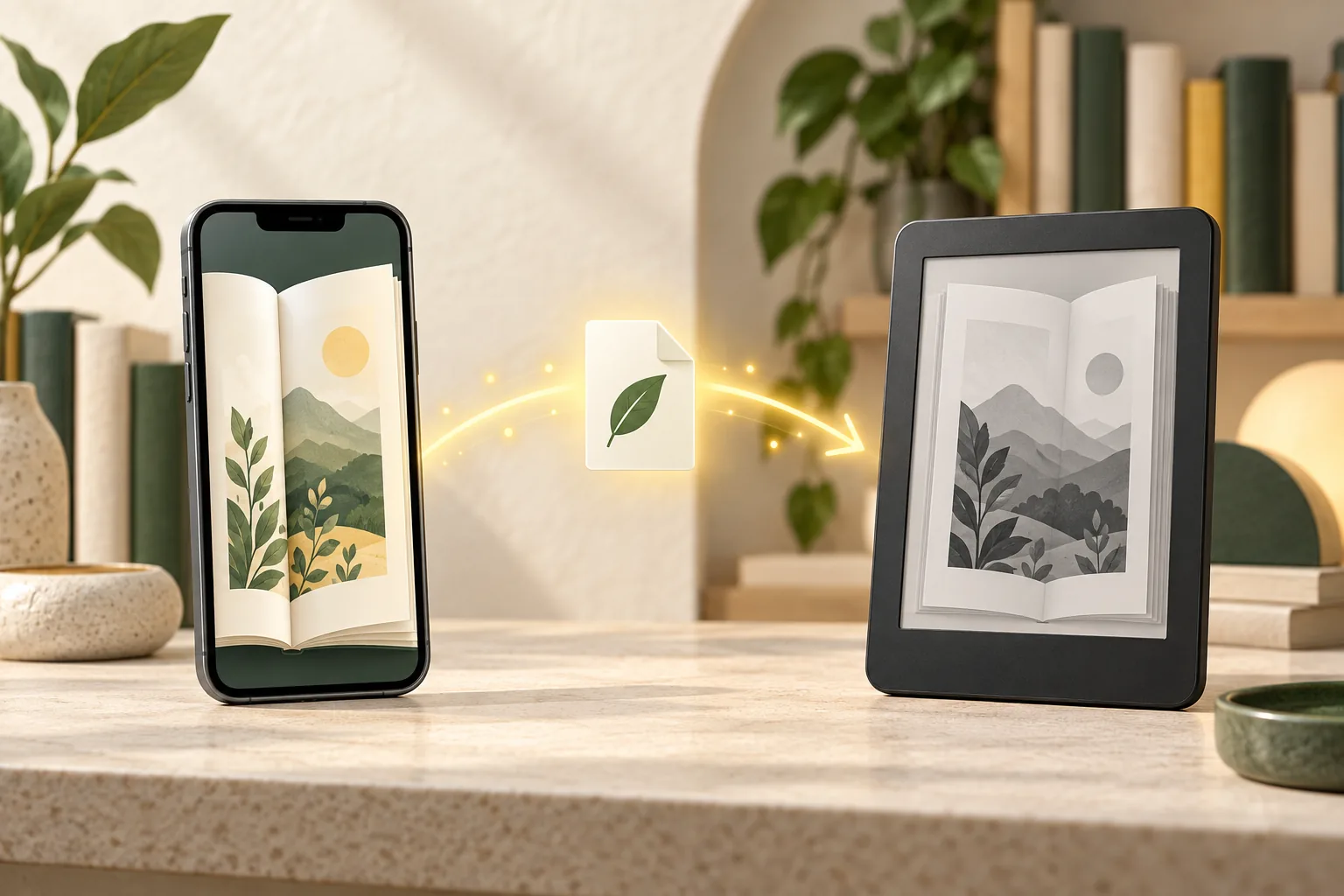
Yes, you can send a DRM-free EPUB to Kindle, but Kindle hardware does not read the EPUB container directly. Amazon's Send to Kindle service accepts the file, converts it to a Kindle-compatible format, and delivers the converted book to your account. If Amazon rejects the upload, repair the EPUB structure before sending it again.
Essential Facts & Reader Takeaways
- ✓Send to Kindle accepts DRM-free EPUB files as an input format and performs the conversion for you.
- ✓Copying an EPUB directly over USB is different: Kindle e-readers do not natively open the EPUB container.
- ✓Malformed metadata, navigation, HTML, or package manifests can cause a 'document cannot be processed' response.
- ✓You can inspect, repair, and share the EPUB from an iPhone before sending it to Kindle.
- ✓Books protected by another store's DRM cannot be made compatible simply by repairing metadata or formatting.
The Short Answer: Kindle Accepts EPUB, but Does Not Read It Directly
Input support is not the same as native device support
The phrase 'Kindle supports EPUB' is easy to misunderstand. Amazon accepts EPUB files through Send to Kindle, but the service converts those files before they reach a Kindle e-reader. The book you read on the device is therefore a Kindle-compatible conversion, not the original EPUB container.
For most readers this distinction does not matter: choose a DRM-free EPUB in the Files app, share it to Kindle, confirm the title and author, and wait for it to appear in the Kindle library. The distinction becomes important when an upload fails or when you try to copy the original EPUB directly to the device over USB.
How to Send an EPUB to Kindle from an iPhone
A mobile-only workflow
Save the DRM-free EPUB in the iOS Files app. Open it in EpubTidy if you want to check its title, author, cover, navigation, and formatting first. After reviewing or repairing the book, export the updated EPUB and choose Kindle from the iOS share sheet.
Amazon uploads and converts the file, then adds it to the selected Kindle library. Delivery time varies with file size and service availability. Keeping a clean title, author, language, cover declaration, and navigation document gives the converter a clearer source package to process.
Why a Valid-Looking EPUB Can Still Fail
Common package and content problems
An EPUB is a ZIP-based publication containing metadata, navigation, HTML, CSS, fonts, and images. A reading app may tolerate a missing manifest entry or malformed document that a conversion service rejects. Common trouble areas include broken internal links, invalid XML, missing resources, damaged navigation, incorrectly declared covers, and unusual character encoding.
EpubTidy is useful before delivery because it works on the source file rather than attempting to replace Amazon's converter. It lets you review the EPUB, apply selected cleanup operations, and export a corrected copy that you can submit again.
EpubTidy vs. Desktop conversion workflow
| Feature / Capability | EpubTidy (iOS) | Desktop conversion workflow |
|---|---|---|
| Send from iPhone | ✓ Repair, export, and share from one device | Move the file to a Mac or PC first |
| EPUB inspection | ✓ Checks package, metadata, cover, and formatting | Depends on separate validation or editing tools |
| Kindle conversion | ✓ Prepares the source EPUB; Amazon performs delivery conversion | Can convert locally before sideloading |
| DRM removal | ✓ Not supported | Not part of a standard conversion workflow |
Frequently Asked Questions About This Topic
Can I copy an EPUB directly to a Kindle with USB?▼
Kindle e-readers do not natively open the original EPUB container. Use Send to Kindle so Amazon can convert the file, or convert it to a supported Kindle format with an appropriate desktop tool.
Why did Send to Kindle reject my EPUB?▼
The file may contain malformed HTML or XML, missing manifest resources, damaged navigation, unsupported content, encryption, or another package error. Inspect and repair the source EPUB before trying again.
Can I send an EPUB to Kindle from my iPhone?▼
Yes. Select a DRM-free EPUB in Files or export it from EpubTidy, open the iOS share sheet, and choose the Kindle app.
Related Guides & Topics
Ready to Upgrade Your E-Reading Freedom?
Download EpubTidy for iPhone & iPad. 100% offline neural AI voices, mobile EPUB editing, and zero subscriptions.